
 Flowvent Bio Check-in
Attendance without the hardware. Just a phone.
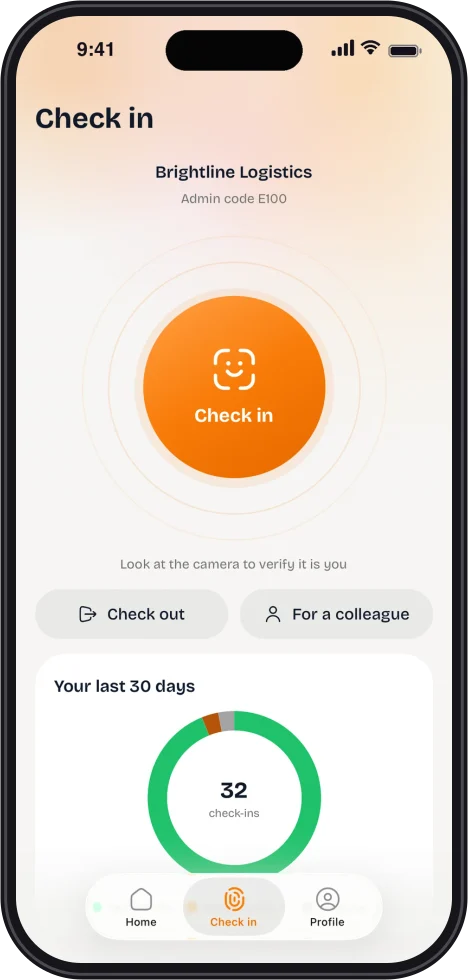
Staff check in on their own phone with a quick look at the camera. Their location confirms they are on site.


2
checks on every check-in: where, and who
3
ways in: face, fingerprint, a colleague’s phone
Offline
check in with no signal
0
readers to buy, mount or fix
See it in under a minute.
How a phone replaces the book and the wall reader.
Get the app. Check in today.
Free for iPhone and Android. Your admin invites you, you set up your face once, and you are in.
What it replaces
The machine on the wall. The book on the desk.
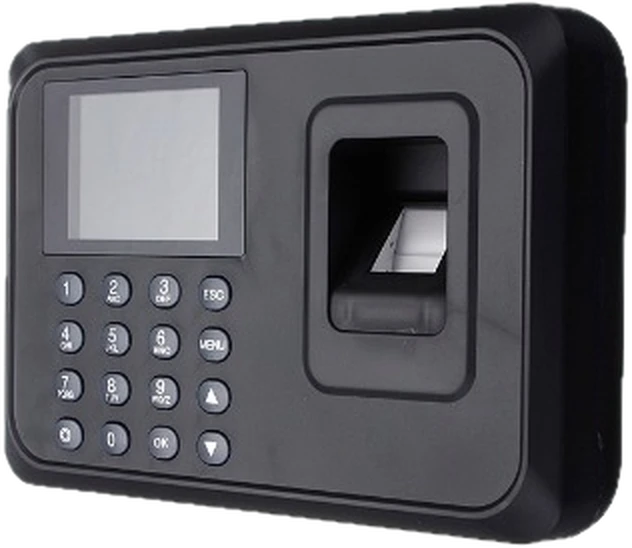
The fingerprint reader
Costly, needs an expert to set up, and everyone queues.
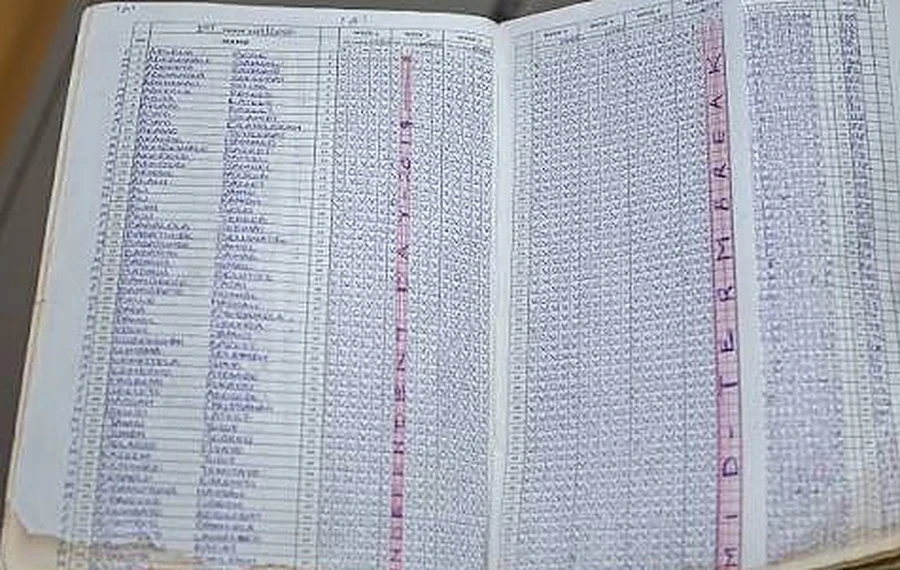
The attendance register
Handwritten, easy to lose, slow to add up.
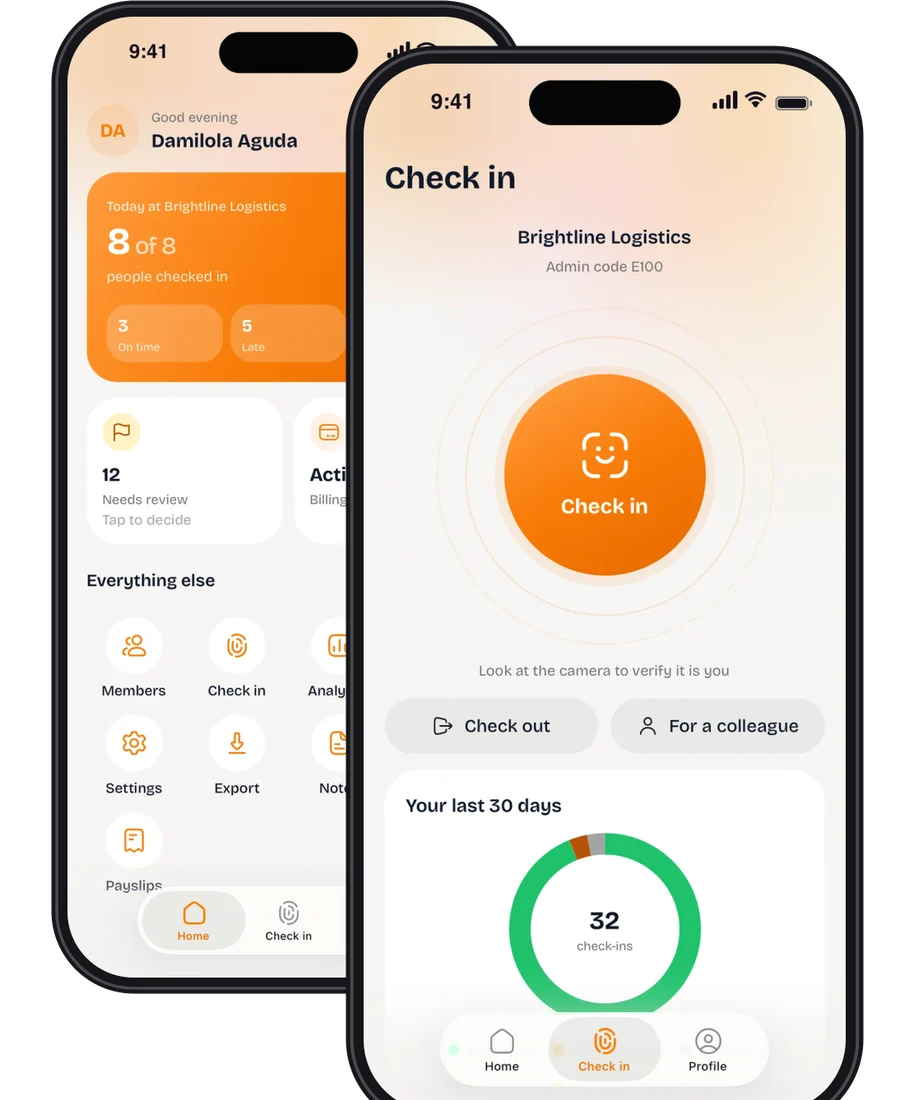
Their own phone
Nothing to buy, mount or repair.
No signal? Check in anyway.
Check in with no signal. It is saved on the phone, with the time you did it.
It sends itself. When the signal is back, nobody has to do anything.
Your workplaces stay on the phone. So the location check still has what it needs.
Walkthrough
How it works.
01 · Check in
Look at the camera. Done.
Staff check in on their own phone. Their face is the credential, and their location confirms they are on site.
- A quick turn-and-blink check, so a photo will not pass.
- Or use a fingerprint, or a colleague’s phone if yours is flat.
02 · Review
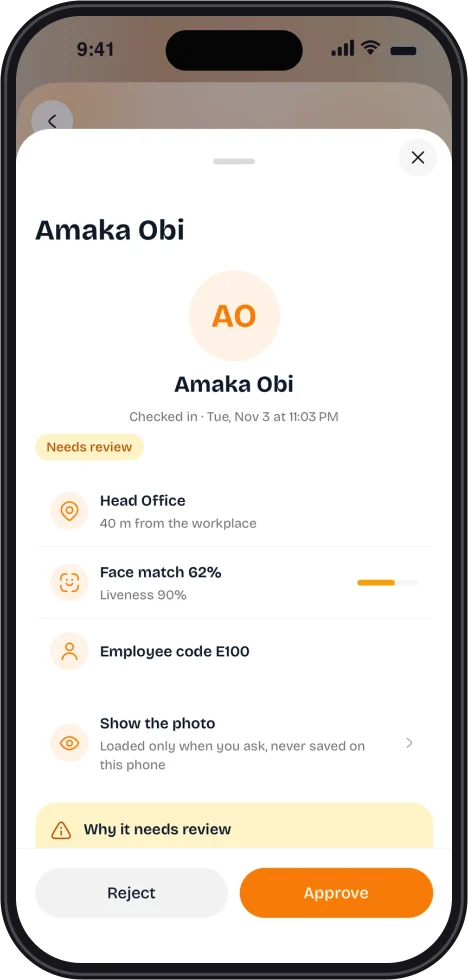
Only the unclear ones reach you.
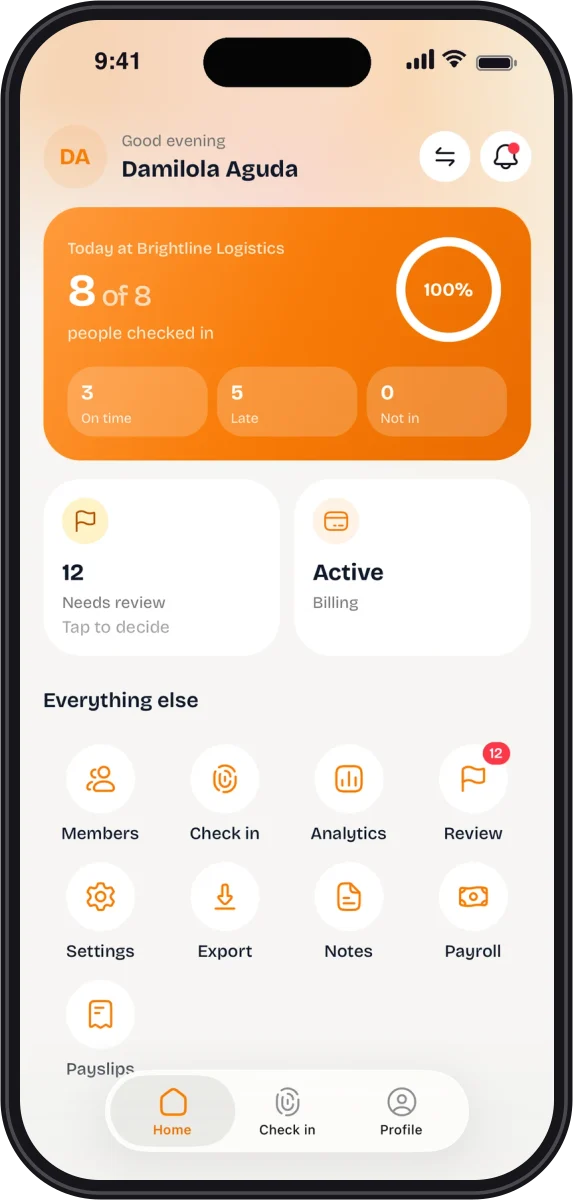
Clear check-ins are recorded by themselves. Anything doubtful waits for you, with the evidence attached.
- Time, place and face score on one screen.
- Approve or reject in one tap.

03 · Records
Everyone sees their own record.
A clear history of every check-in, and a notice when one is approved.
- Verified, flagged or rejected, at a glance.
- Export check-ins as CSV or PDF for payroll or audits.

Optional add-ons
Need more? Switch it on.
Both are off until an admin turns them on.
Payroll
Run staff pay from the app. Paystack pays each person. Flowvent never holds the money.
See how payroll works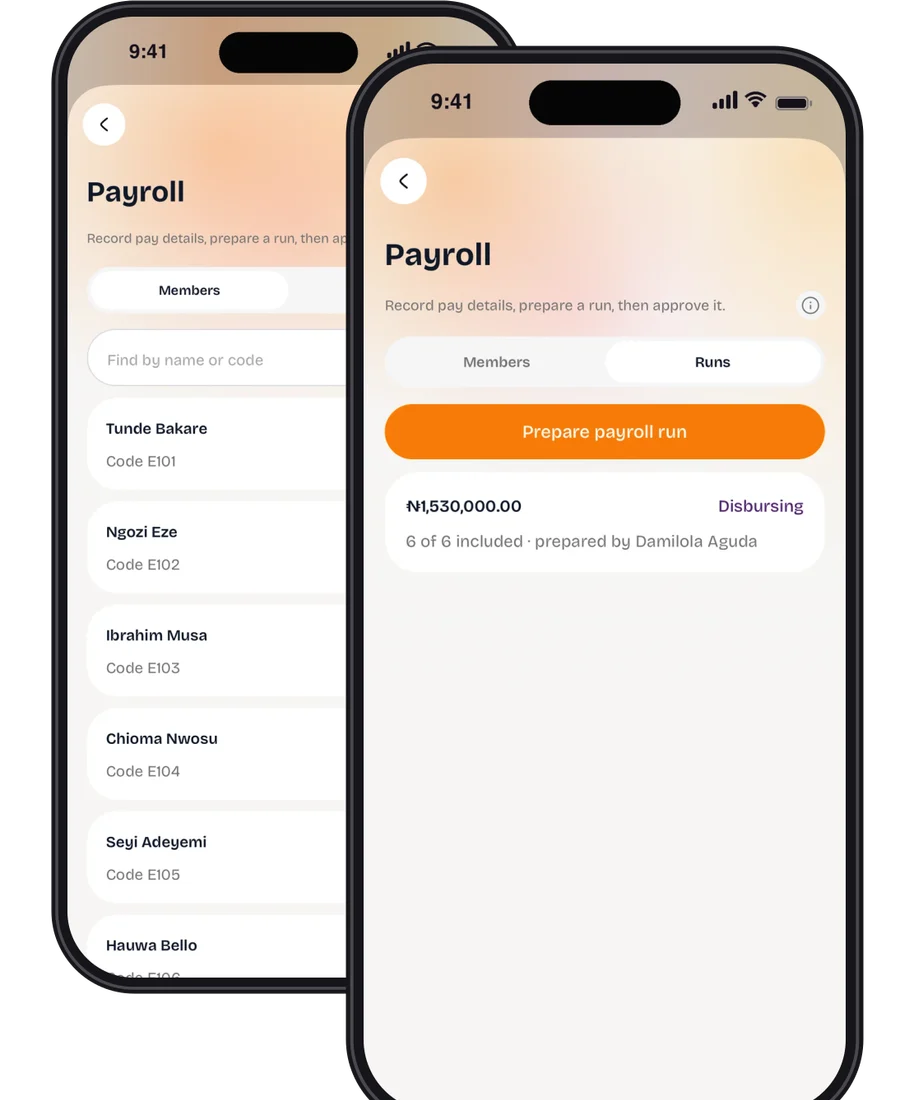
Staff notes
Private notes about your people, written by HR and admins. The person never sees them.
See how staff notes work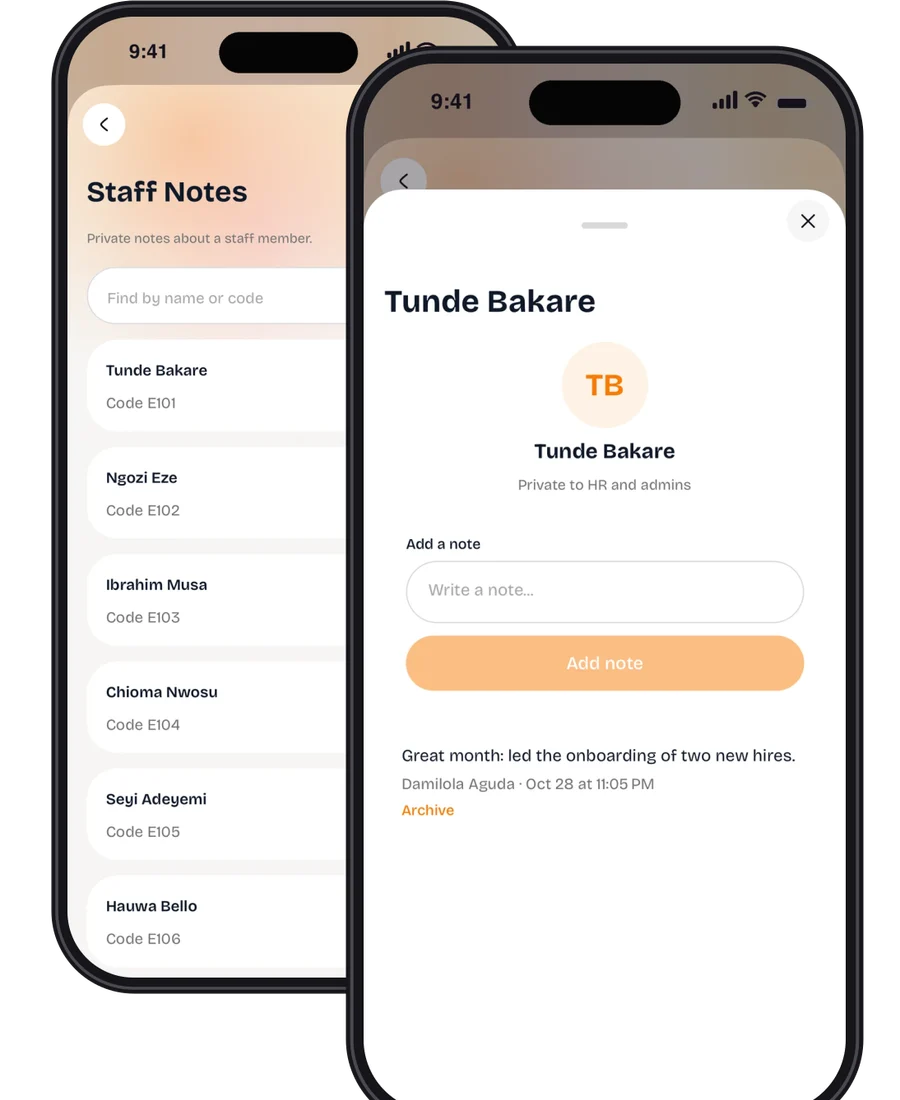
Privacy
Built to be trusted with faces.
Consent first
Nothing biometric is processed until the person agrees. They can withdraw any time.
A reference, not a picture
The enrollment photo is deleted once it becomes the stored reference.
Photos that expire
Check-in photos are deleted after 30 days by default.
Private evidence
Photos sit in private storage and open only for admins, through short-lived links.
Not a mockup
Built, deployed and in use.
Our own face matching
It runs on an open model Flowvent hosts itself. No outside face-ID company is involved.
A reference, not a photo
We keep a short numeric reference of a face. The enrollment photo is deleted once it is converted.
Working today
The matching service, admin portal and phone app are deployed and processing real check-ins.
Talk To A Real Person, Not A Bot.
Setting up your first event, migrating from spreadsheets, or configuring school report cards — our team answers in minutes.
Or start building free instantly — no call needed